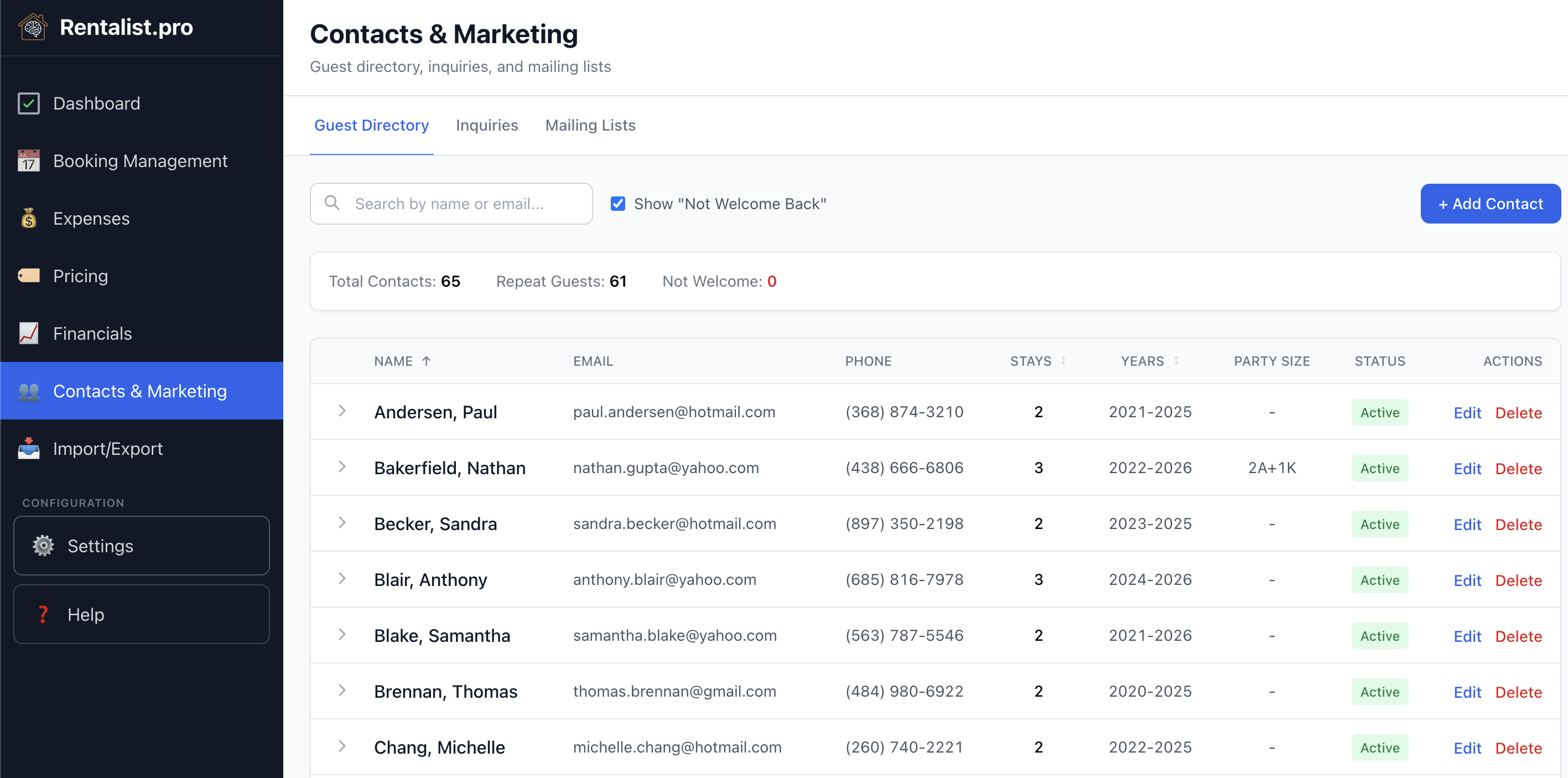
Every guest who books creates a contact record. The Guest Directory centralizes guest information:
- Contact details
- Booking history (number of stays, dates, total revenue)
- Party size patterns
- Pet fee history
- Notes
Guest contacts are automatically synced from your booking records. When you save a booking, the guest's contact information is added or updated in the Guest Directory. Includes "not welcome back" flag, unsubscribed flag. Unsubscribed contacts are always excluded from mailing list exports.
Track everyone who asked about your property, even if they didn't book:
- Inquiry date and contact info
- Party details — adults, kids, and whether they're traveling with a pet
- The dates they're interested in
- Source — picked from the same list as a booking's source: your platforms, Direct, Repeat Guest, and the rest
- Status: New, Responded, Converted, Lost, or Expired
- Lost reason, chosen from a list you control in Settings — add your own, reorder it, trim what you don't use
Logging one takes seconds. Paste in the platform's email and the form fills itself — name, contact details, party size, pet, dates. Or skip the pasting entirely and let Rentalist read them from your inbox (see Inquiries from Email). Inquiries that age out mark themselves Expired, so your list stays honest without any tidying up.
Why track lost inquiries? Your conversion rate (inquiries that become bookings) is useful information. Lots of inquiries but few bookings tells you something different than few inquiries overall. This also allows you to tell if you're getting the number of inquiries this year that you have in the past and respond accordingly with pricing adjustments.
Honest conversion rates. You tell Rentalist which years you logged completely, and those are the only years it reports a conversion rate for. A flattering wrong number is worse than no number.
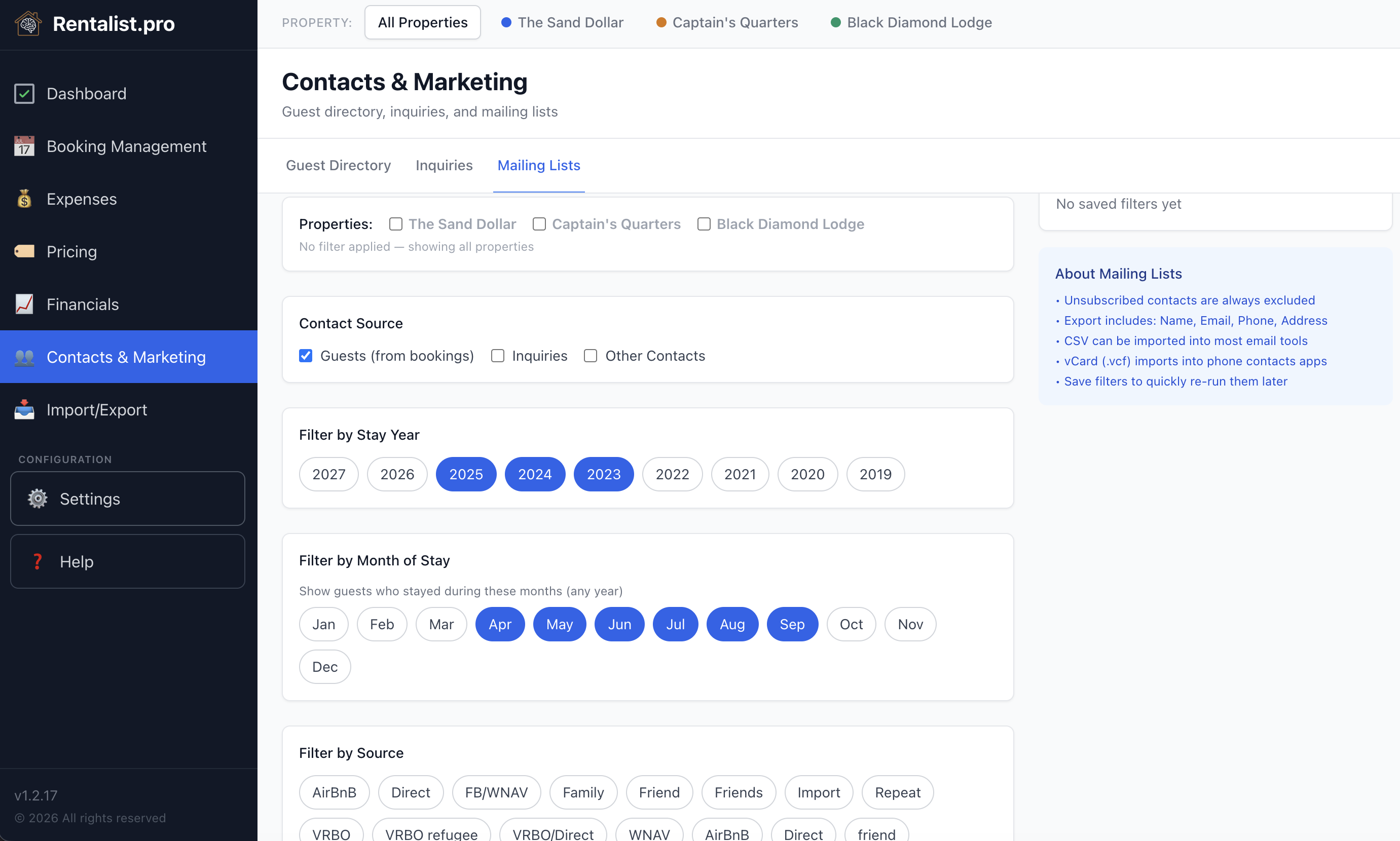
Build filtered lists for marketing:
- Guests who stayed in specific years
- Guests from specific booking sources
- Repeat guests (minimum number of stays)
- Guests with minimum party size
- Guests who paid pet fee
Export to CSV for your email marketing tool or v-cards for your address book. If you manage multiple properties, see the Managing Multiple Properties section for details on property tags, property filtering for inquiries and mailing lists, and cross-property guest tracking.